Attachments 1
This is part one of Attachments, which covers handling Attachment positions and groups in Blockbench.
If you want your gun to accept attachments, you need to create new groups in Blockbench for your gun. These groups essentially act as connector points.
So a gun that takes a scope will have a connector point on top; and a scope model will have a connector point on its bottom. This is how you design where on the gun your attachments end up. If the connector points are missing, even if you define the attachment compatibility in the gun json, the attachment will be invisible in-game.
Point Blank by default has connector points for scopes, muzzle, grips, and canted rails. You may actually even create your own connector points for custom attachment categories (handguard, stock, barrel, etc.) but more on this later.
So the basic connector points are these:
_cb_scopefor scopes/sights_cb_suppressorfor suppressors, and any other muzzle attachments (i.e. muzzle brakes, compensators)_cb_gripfor foregrips_canted_for the canted rail attachment
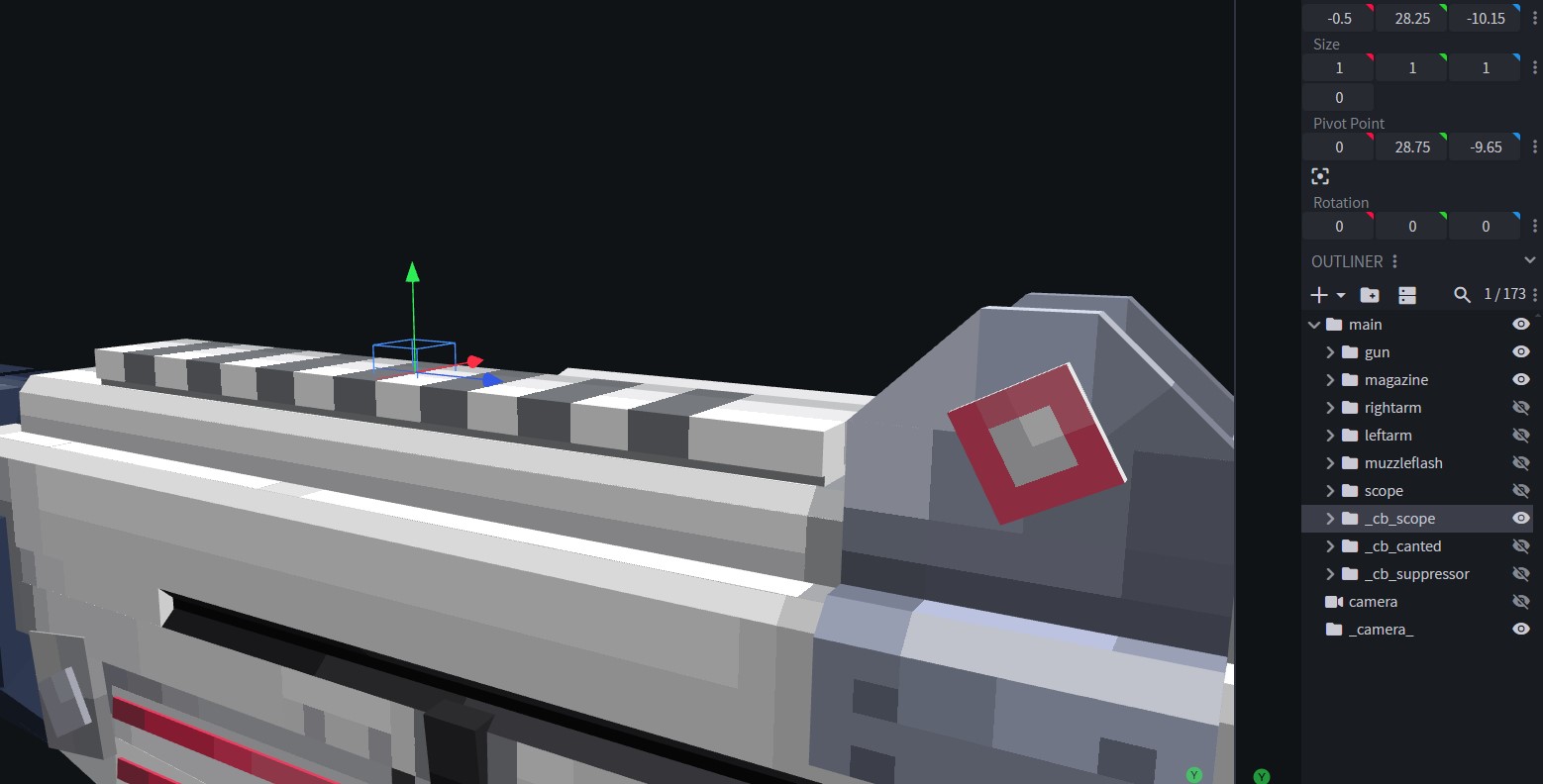
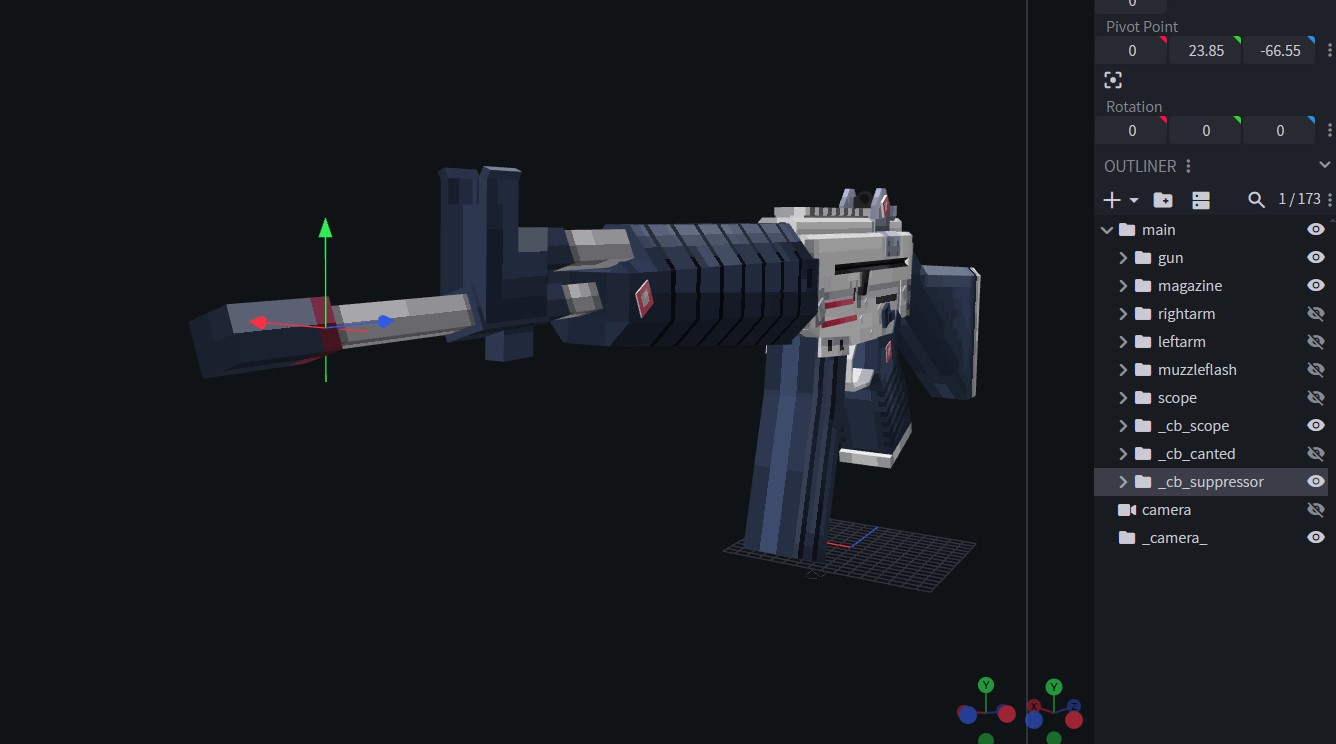
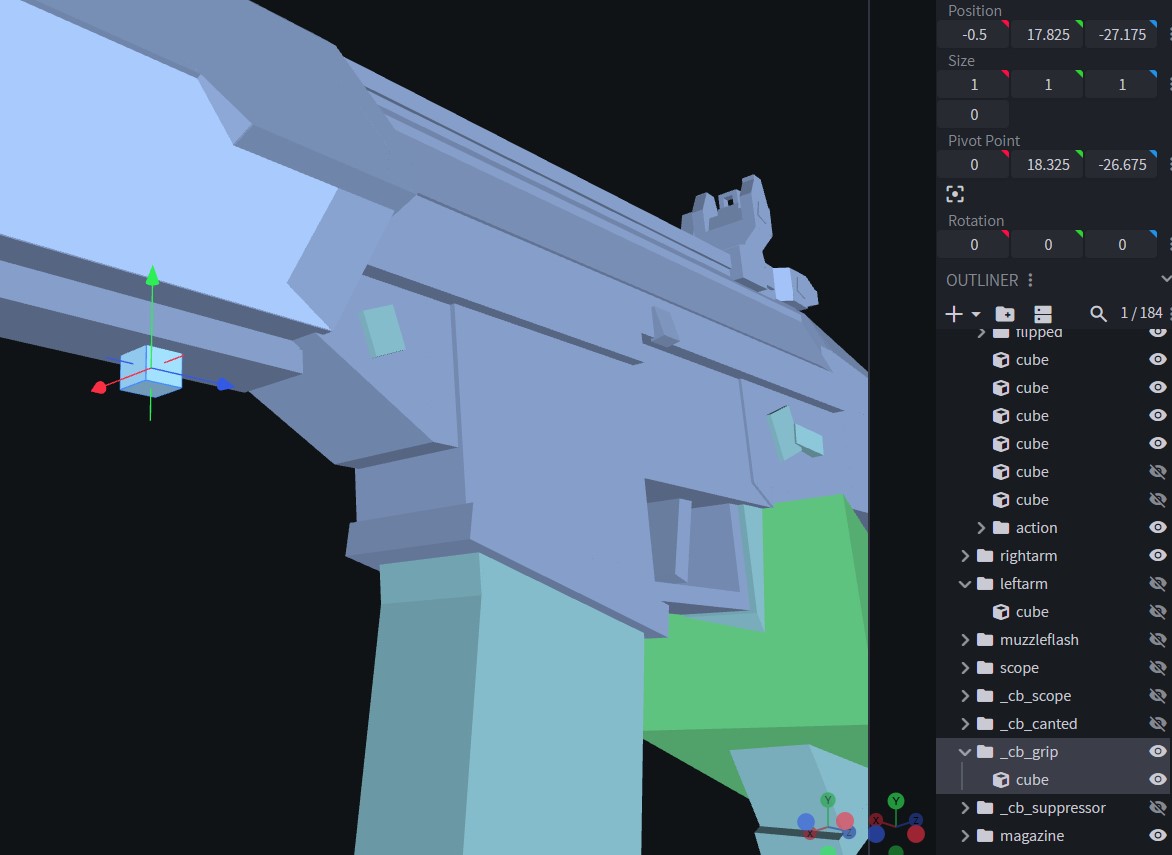
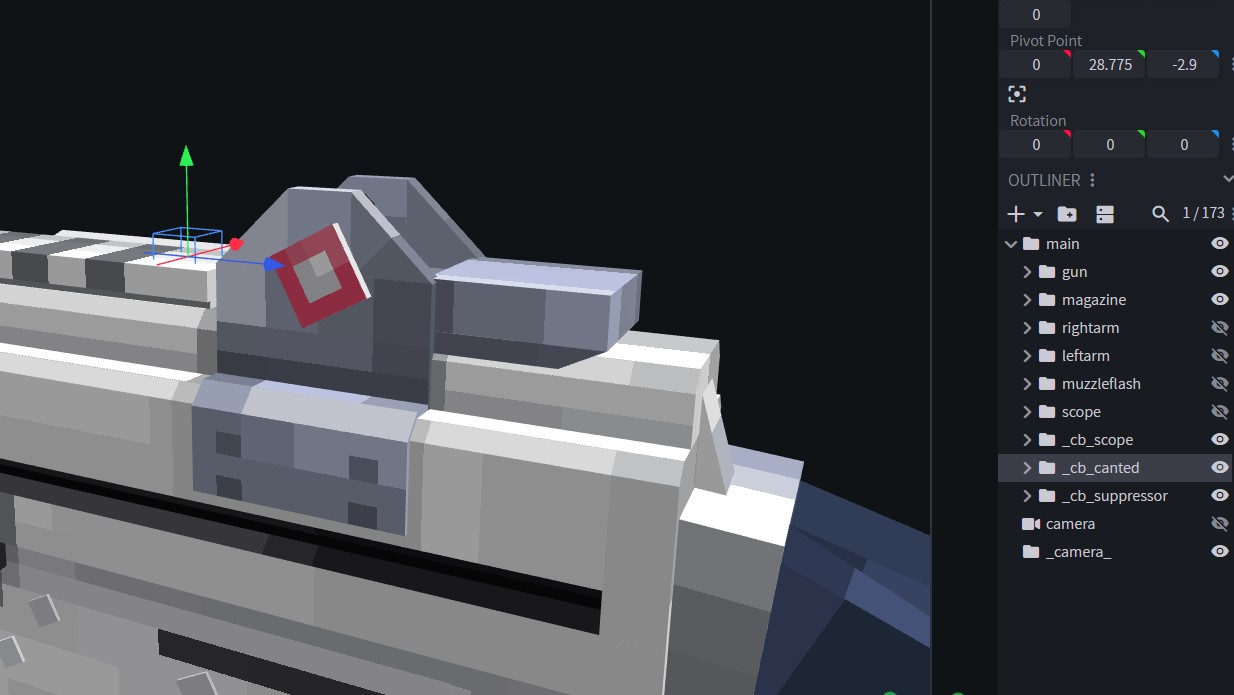
And then for your attachment models, you need similar connector cubes, with slightly different names:
_ca_scope_ca_suppressor_ca_grip
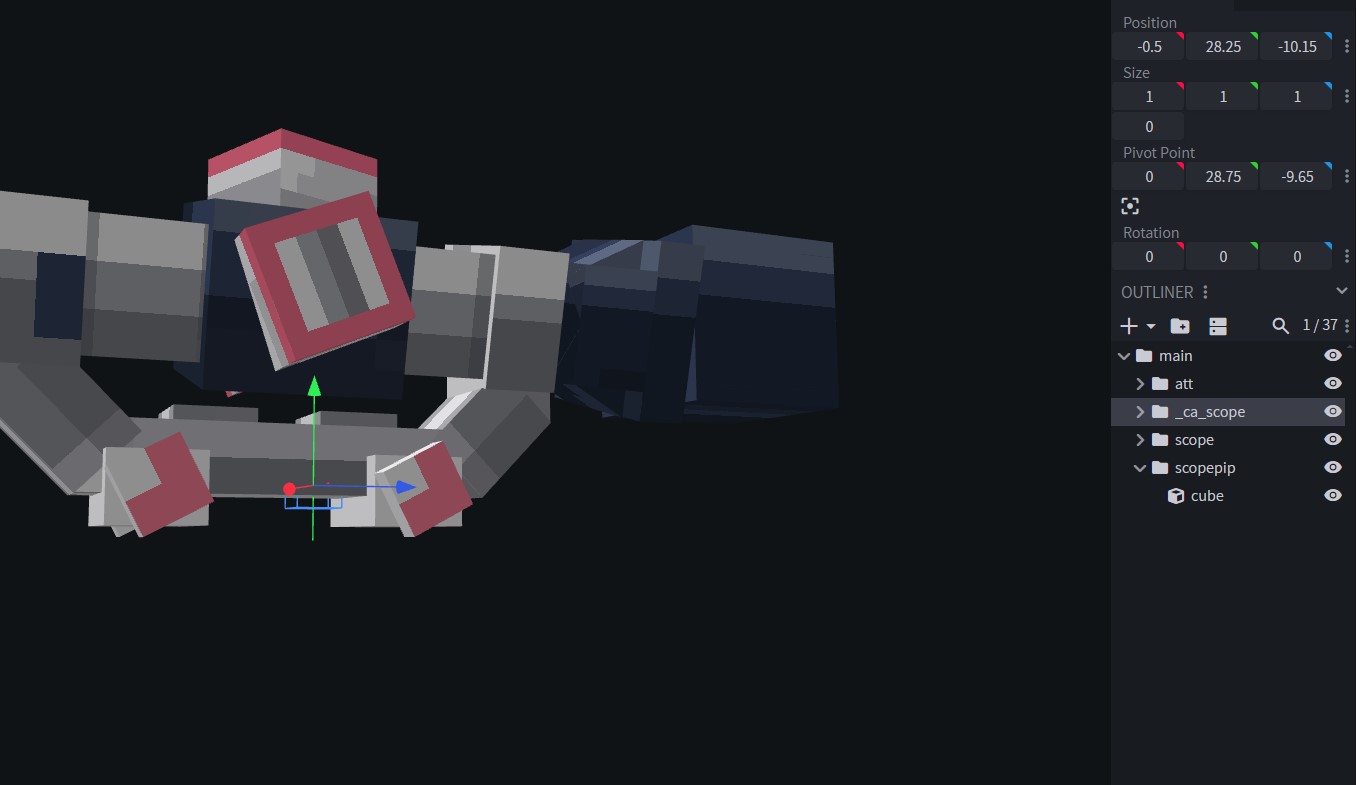
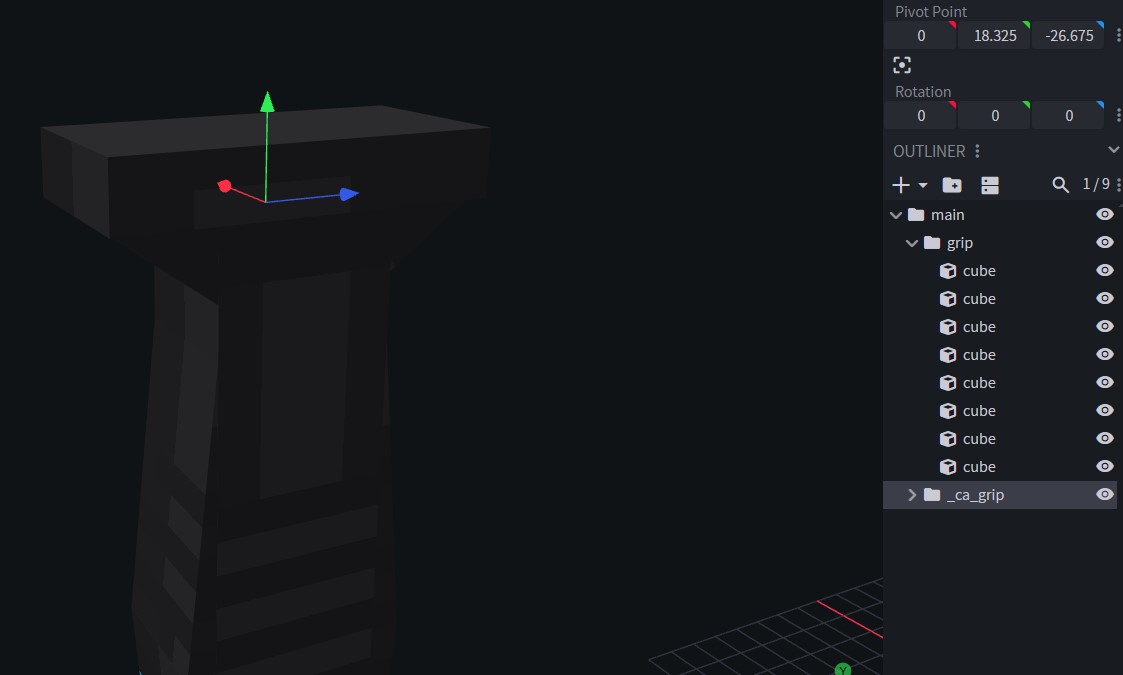
_cb_ marks the point that attachment connects to.
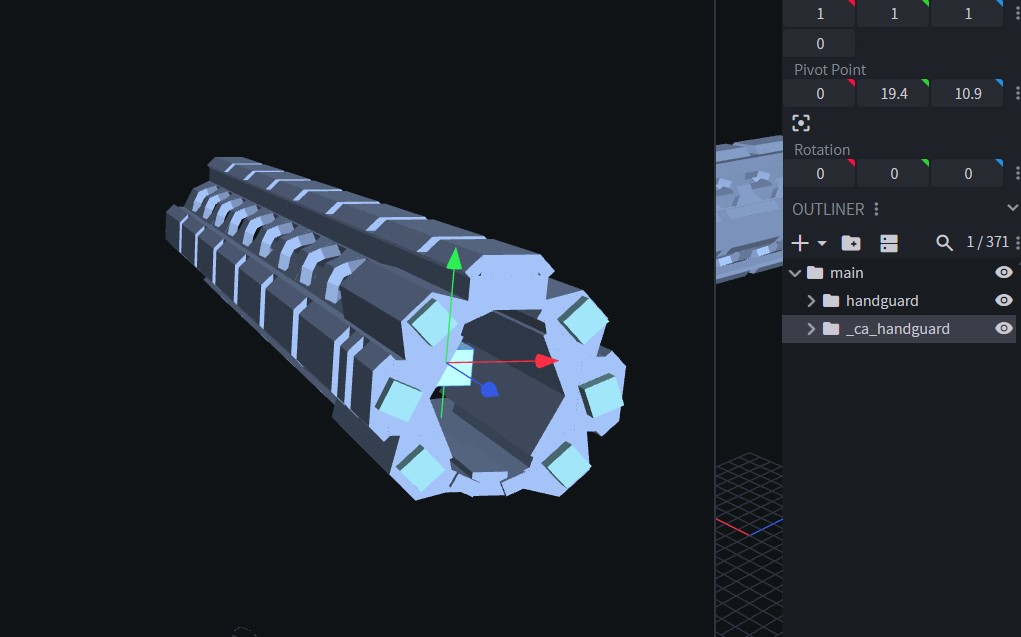
_ca_ marks the point _cb_ attaches to.
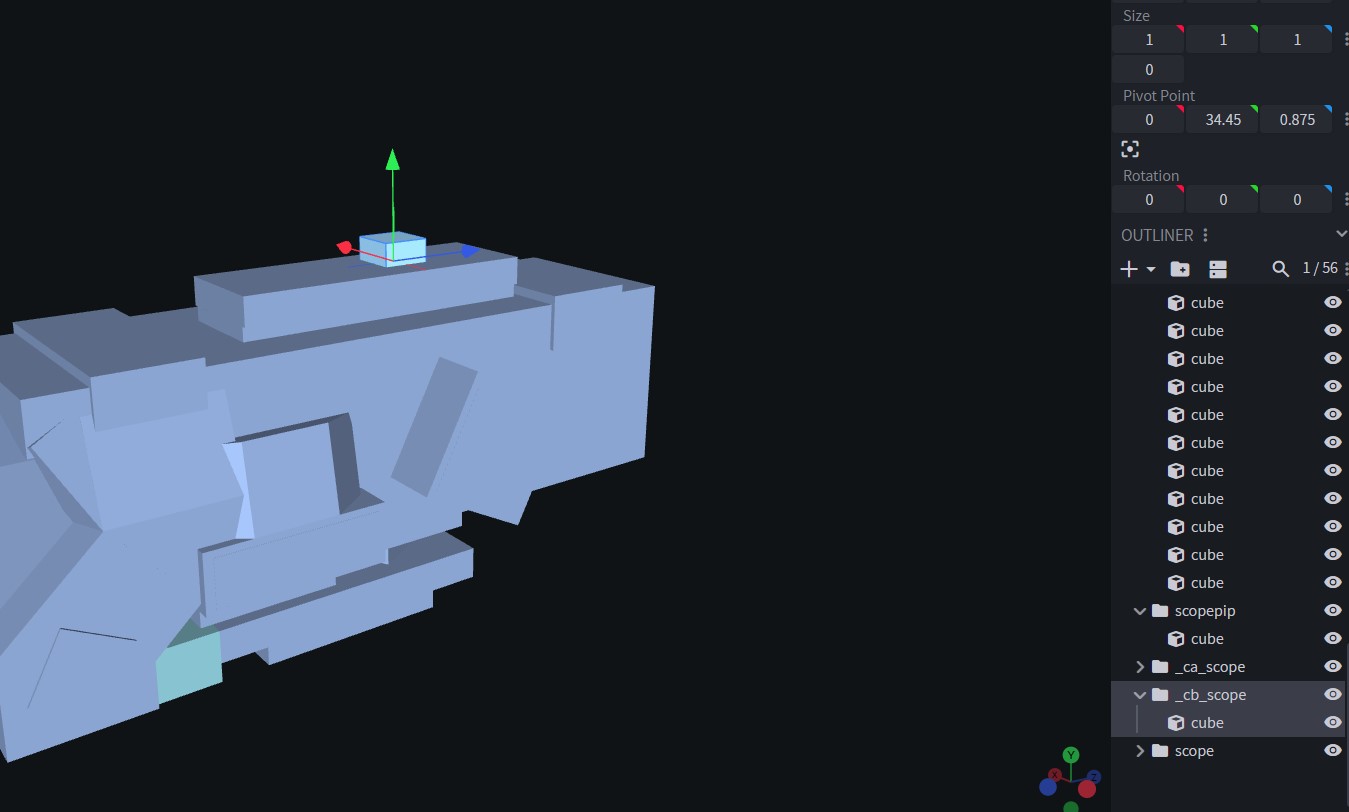
So if you want to create a scope on top of a scope, you can add a _cb_ connector to the scope itself:
Custom Attachment Categories
So what about custom attachment types, like stocks, reargrips, handguards, receivers? Attachments that aren’t in the base mod, but you want to add them anyway.
The process is actually the same. But since you’re creating a custom category, you need custom consistent names.
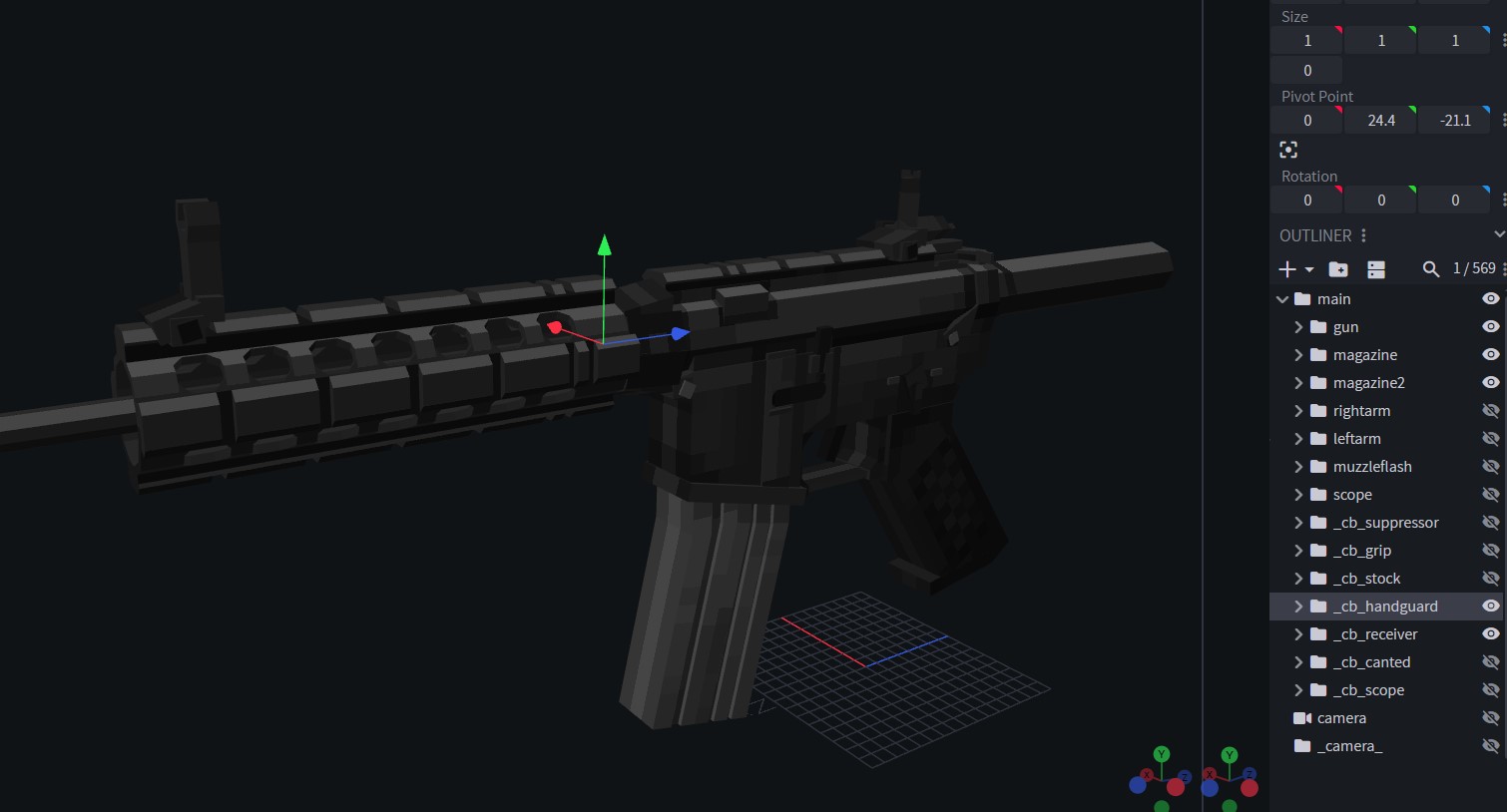
Here in this example image, you can see the model has custom attachment connectors:
_cb_handguard_cb_stock_cb_receiver
And afterwards, you go into the attachment models and add _ca_ connectors:
Exporting and Importing Attachment Models
When you export your attachment assets (.geo, display file, and png):
Attachment geo model files go in assets/pointblank/geo/item.
Attachment display fies go in assets/pointblank/models/item. Unlike with gun display files, you do not need to enter the attachment display file and make code edits. Leave it as it is.
Attachment png texture files go in assets/pointblank/textures/item.