Laser Beams
Sometimes, maybe you want to create a gun that shoots a laser beam. Something like the Spartan Laser from Halo.
Example laser from the community-made Halo Winter Contingency pack:
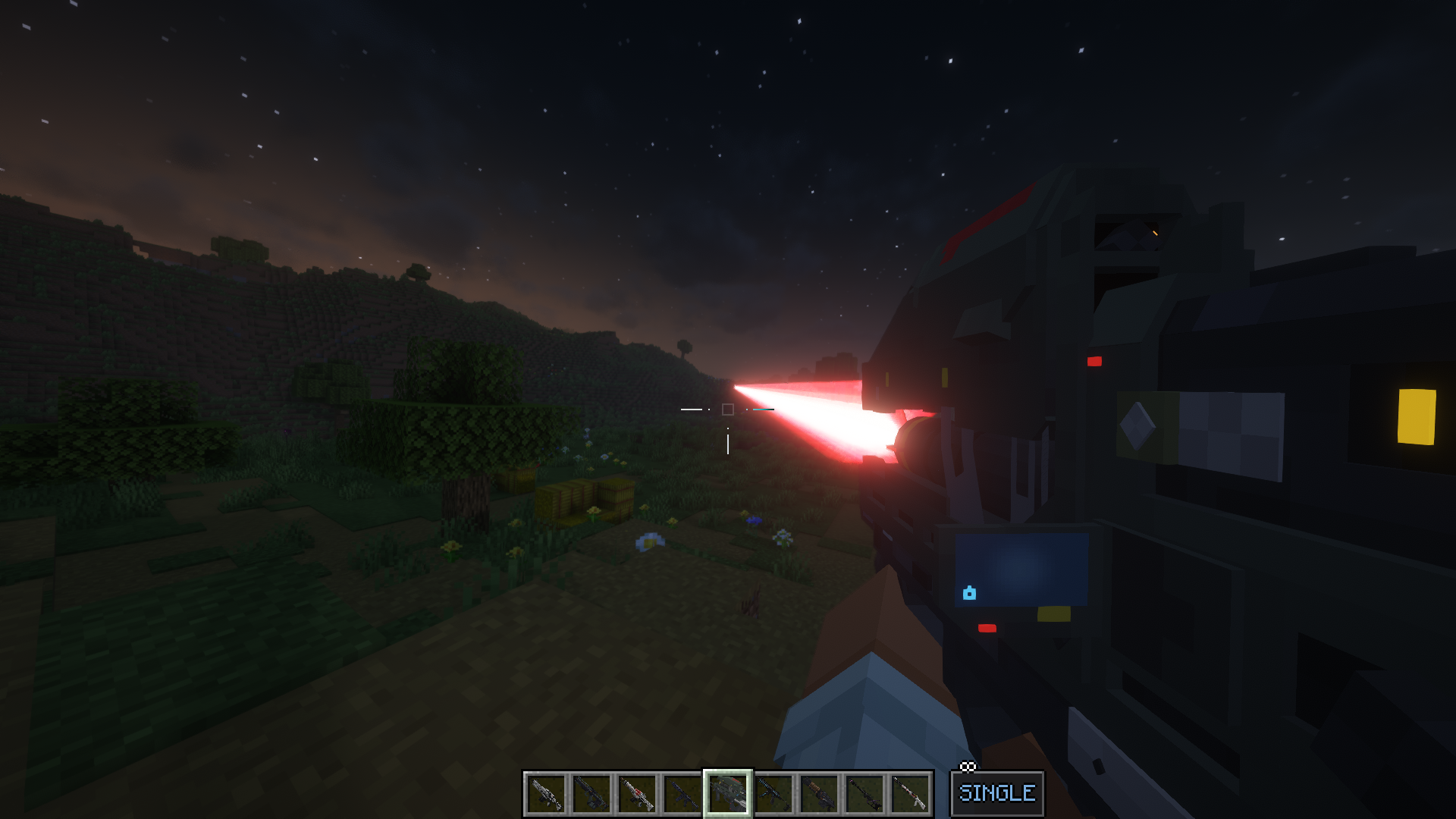
Creating a laser beam involves the usual process for creating visual effects: a texture, a json file, and a change to the gun json.
The texture can look like this:

It goes in assets/pointblank/textures/effect.
Next, you need a json file for the visual effect, which goes in assets/pointblank/effects.
Example code from the Spartan Laser json file in the Halo pack:
{
	"type": "attached_projectile",
	"name": "spartan_laser",
	"texture": "textures/effect/spartan_laser.png",
	"blendMode": "ADDITIVE",
	"duration" : 200,
	"numRotations": 6,
	"brightness": 2,
	"glow": true,
	"depthTest": true,
	"blade": {
		"count": 3,
		"minU": 0,
		"maxU": 1,
		"width": {
			"type": "ease_in_ease_out",
			"value": 0.8
		}
	}
}
It has very similar settings to some other visual effect json settings.
And finally, you need to add the laser effect to the gun json.
Example from the Halo pack:
"effects": [
    {
      "phase": "hit_scan_acquired",
      "name": "spartan_laser"
     }
  ]
Last updated on