Digital Ammo Counter
A digital ammo counter is a screen you can put on the gun itself, like the kind you’d see in Halo.
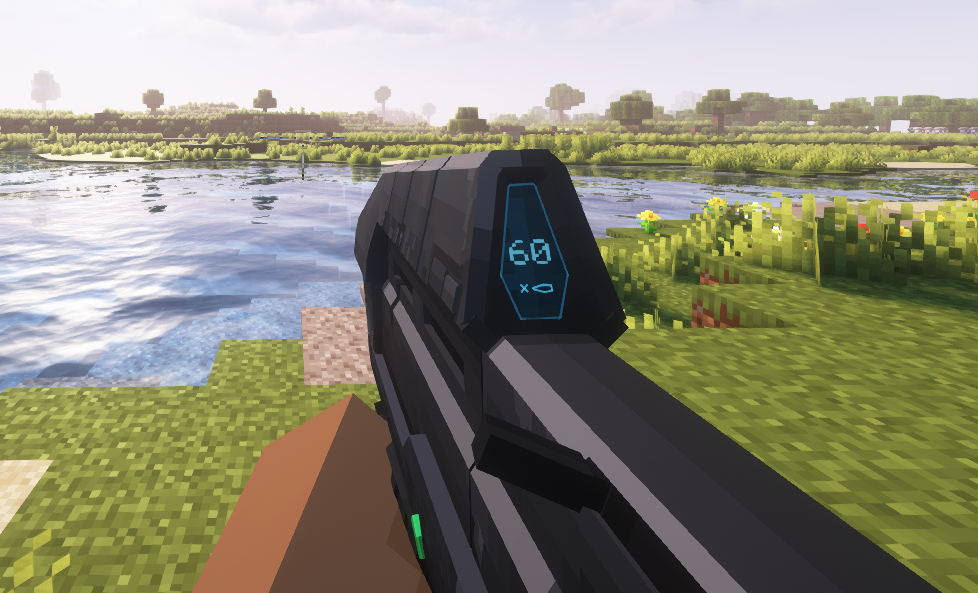
This ammo counter displays just the ammo count of the gun, and it updates live as the gun fires.
First, you need to add in the screen in the gun’s model in Blockbench. The process is the same as you’d do for a PIP scope.
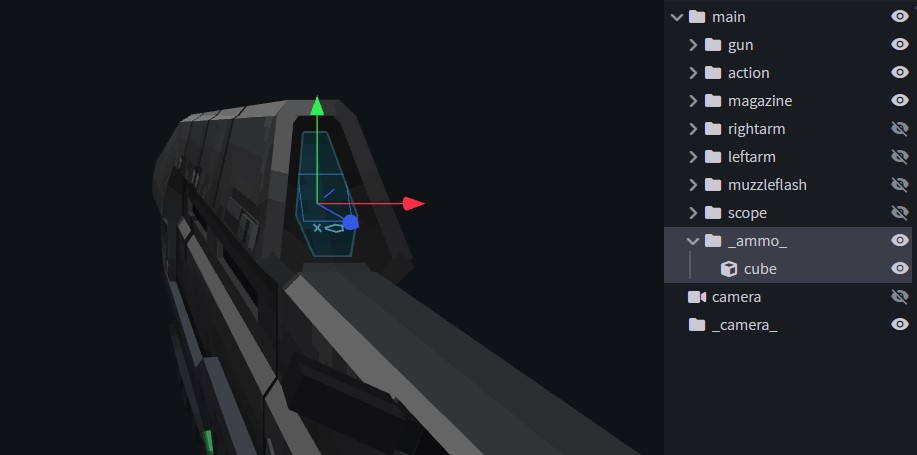
The screen cube is inside bone _bone_ and the cube needs to be symmetrical. Make sure the bone’s pivot is centered.
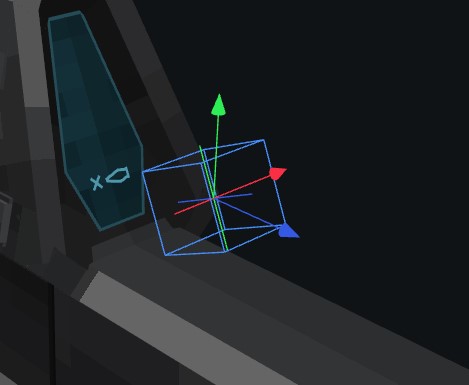
After that, you add some new lines to the gun JSON:
{
      "type": "AmmoCounter",
      "textColor": "#65cce0"
    }
This goes inside the features section.
"features": [
    {
      "type": "AmmoCounter",
      "textColor": "#65cce0"
    }
  ]
Here, the feature type is AmmoCounter.
And there’s one value to control: textColor, which allows you to define the color of the text.
Last updated on