Walking/Running Animations
Point Blank has content pack support for first-person custom walking and running animations.
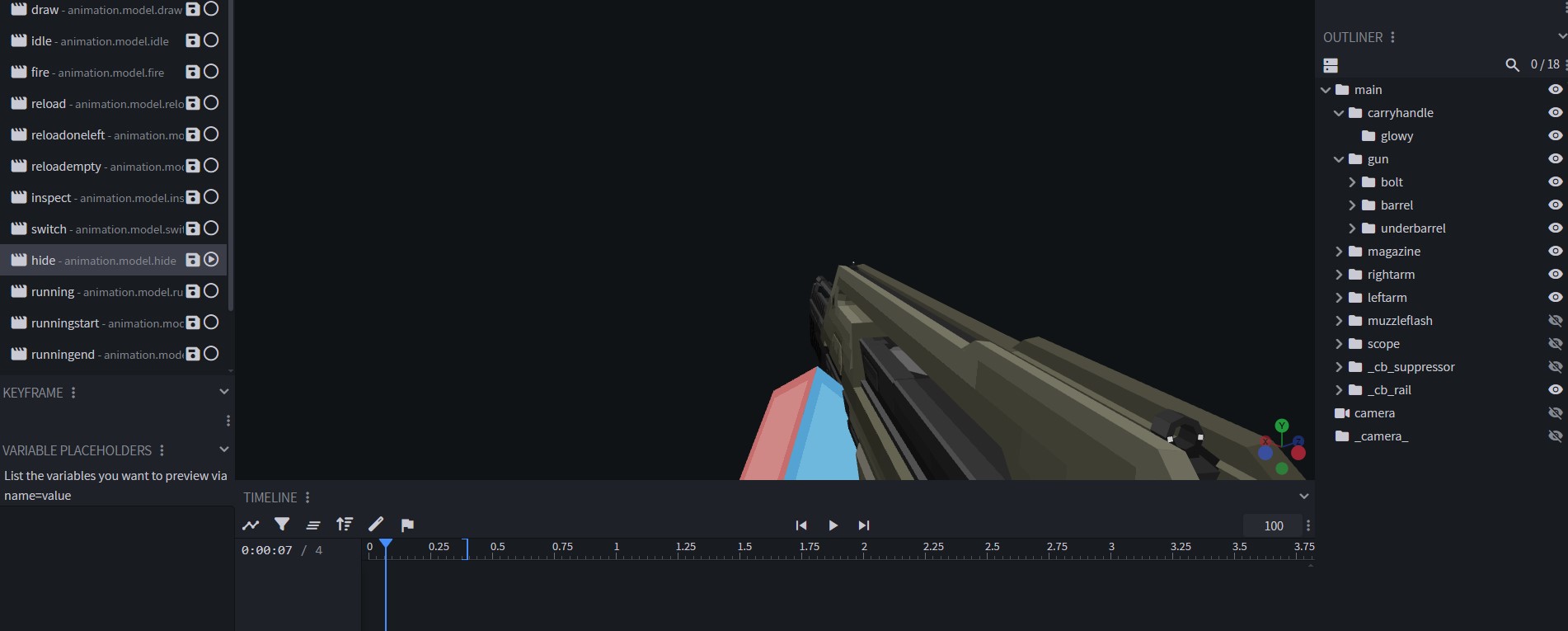
A simple way to accomplish this is by creating these new animations for the gun in Blockbench, like so:
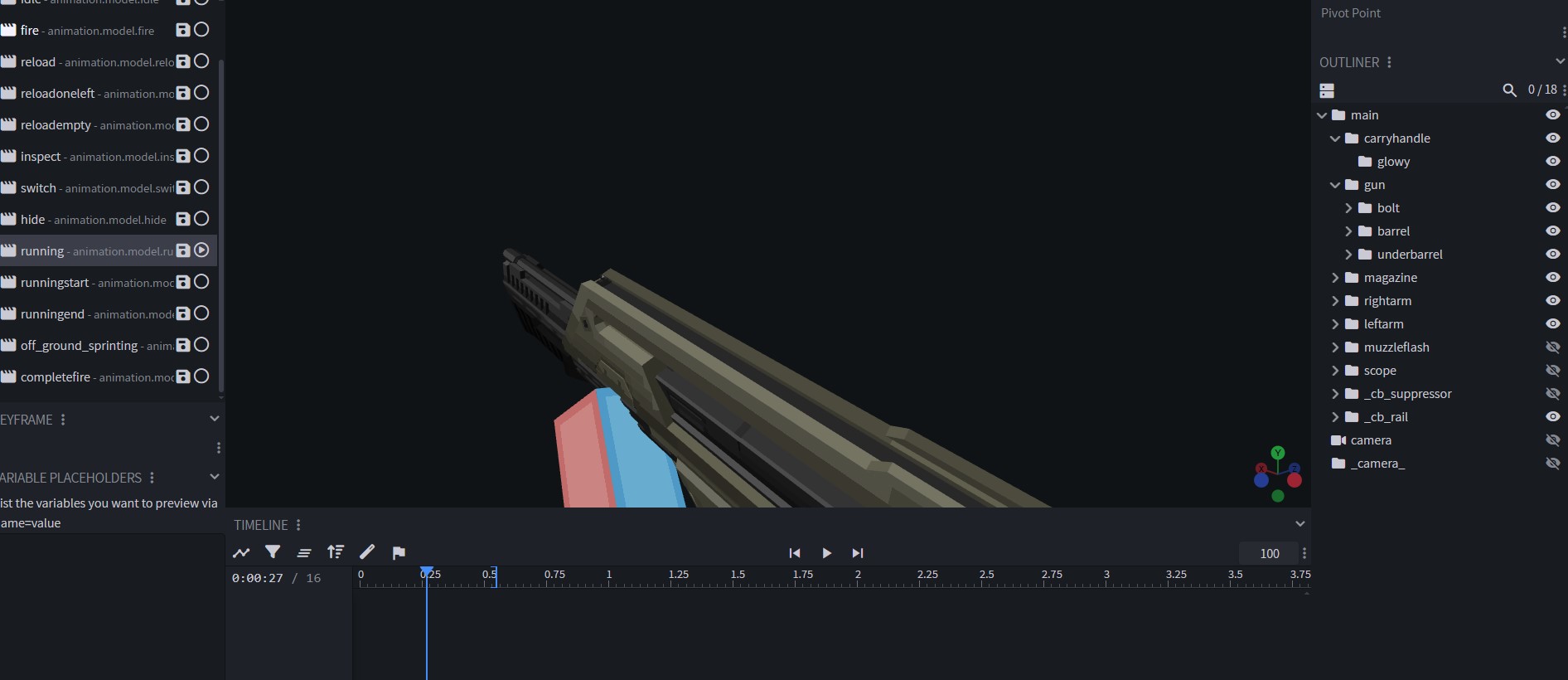
For running animations, you need the following animations:
- running
- runningstart
- runningend
- off_ground_sprinting
For walking animations, you need the following animations:
- walking
- walking_backwards
- walking_right
- walking_left
Walking animations in Blockbench imported from the community-made Halo pack onto a gun from the (unreleased as of writing this) Alien Hunters pack:
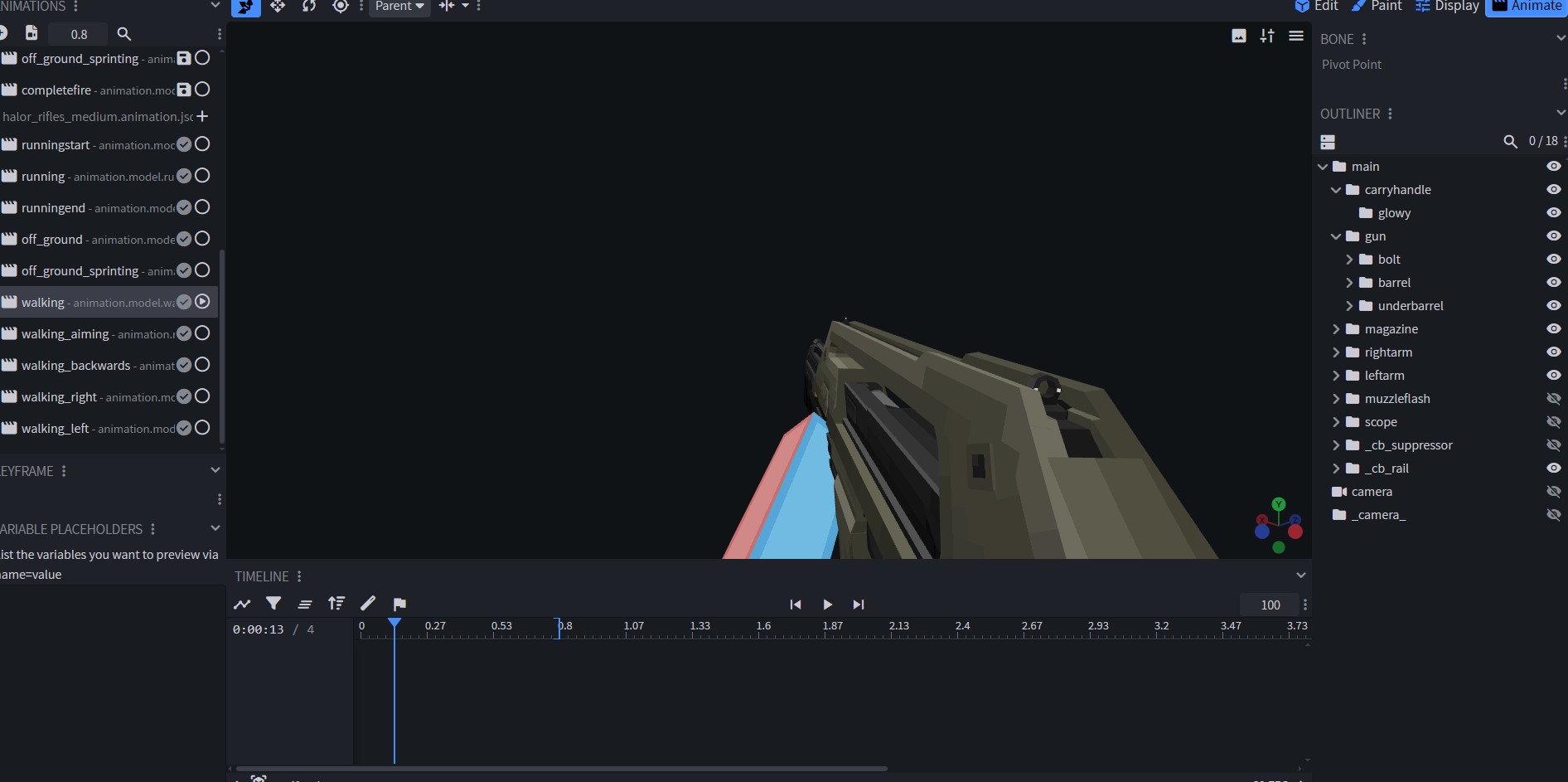
You can also create a walking_aiming animation.
If you don’t want to define new running or walking animations for every single gun, you can actually separately create a new animation file that contains solely your custom walking and running animations. Then, you can invoke this set of animations in the gun json. This method makes it so that your gun animation set isn’t cluttered, and you’re not repeatedly copy-pasting animations for every single gun.
You can create how-many-ever walking/running animation sets you want.
Once you export an animation set, you place it along with your gun animations inside assets/pointblank/animations/item.
And then in the gun json, you write in the following line of code:
"firstPersonFallbackAnimations": "customwalkingrunninganimationsname",Example from the Halo pack:
{
  "name" : "halor_machine_73_gun",
  "type": "Gun",
  "maxAmmoCapacity" : 60,
  "compatibleAmmo" : ["ammocreative","halor_global_ammo"],
  "damage" : 10,
  "rpm" : 500,
  "fireModes" : ["AUTOMATIC"],
  "fireSound" : "halor_machine_73_gun_fire",
  "drawCooldownDuration" : 1570,
  "gunRecoilInitialAmplitude" : 0.8,
  "shakeRecoilAmplitude" : 0.35,
  "shakeRecoilSpeed" : 2,
  "viewRecoilAmplitude" : 2,
  "firstPersonFallbackAnimations": "halor_rifles_medium",
  "glowingParts": [
  ],
  "effects": [
  ],
  "aimingZoom" : 0.2,
  "bobbingOnAim" : 0.1,
  "phasedReloads": [
  ],
  "inspectAnimations":[
  ]
}
Holster Animations
As of Point Blank 2.0, available for Minecraft 1.21.11 and (soon, as of writing this) 26.1.2, you may also create holster animations.
By default, the mod provides its own hide animations. Among the gun animations, you can also create your own hide animation, and it’ll automatically override the mod’s default hide animation: